
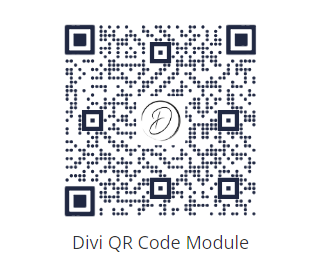
To create a branded QR Code in Divi, you can use the Divi QR Code module and its "Center Image" feature. This lets you add an image / logo in the center of the QR code, perfect for promoting your brand or adding a unique twist to your QR Codes. The image is displayed in a constrained square overlay so the QR code remains readable while supporting your branding.
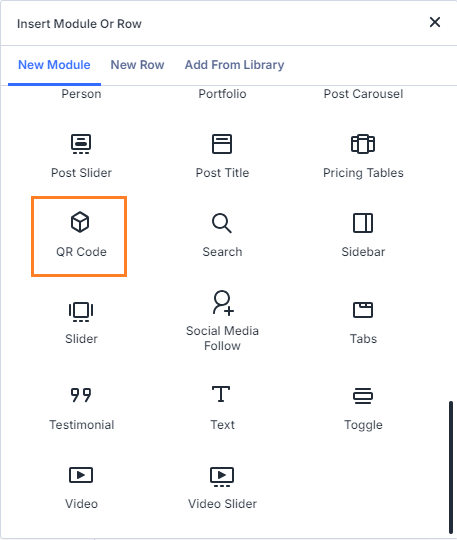
Add the QR Code Module
In the Visual Builder, add a QR Code module to your page layout where you want the code to appear.
Enter the QR Code Content
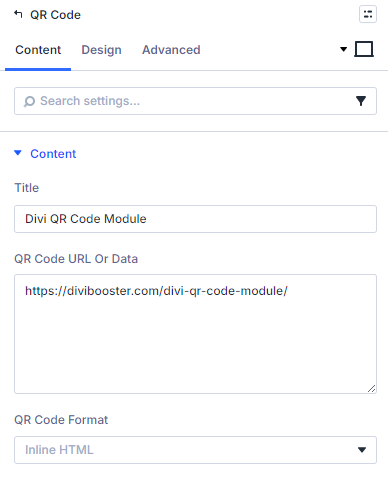
Open the module settings and enter the destination URL or data in QR Code URL or Data.
Upload a Center Image
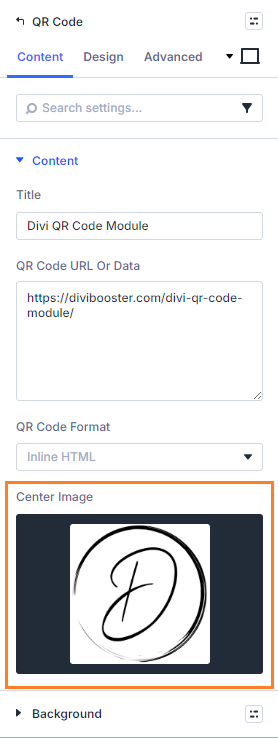
In Center Image, upload or choose an image from the media library.
The image will appear in the middle of the QR code inside a square area sized to preserve scan reliability.
Save and Publish
Save the module settings, then save/publish the page.
View the QR Code on the Page
Open the page on the front end and confirm:
- the QR code renders correctly
- the center image appears in the middle
- scanning still works as expected
Conclusion
And there you have it… a simple way to add custom branded QR codes to your site, with your own choice of image / logo.


0 Comments