
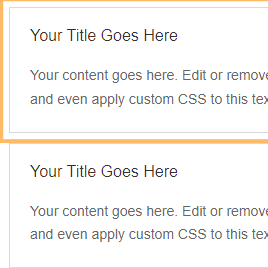
How to Keep Multiple Divi Accordion Items Open at the Same Time (Divi 5)
By default, the Divi Accordion module only keeps one item open at a time. When a visitor opens a new accordion item, the previously open item closes automatically. If you want to show several sections at once - for example in an FAQ, product details section, or...

How to Add Icons to Divi Accordion Module Titles (Divi 5)
Title icons can make a Divi Accordion module easier to scan, especially for FAQs, service lists, and feature sections. In this guide, you'll learn how to add icons to accordion titles, style them differently for open and closed states, and give a specific accordion...

Add an AI Disclosure Badge to Divi Modules, Rows, and Sections (Divi 5)
Want to make AI-created or AI-assisted content clear to your visitors? This guide shows you how to add an AI disclosure badge in Divi, using an Image module as the example. The same feature can be applied to any supported Divi module, row, or section, so you can use...
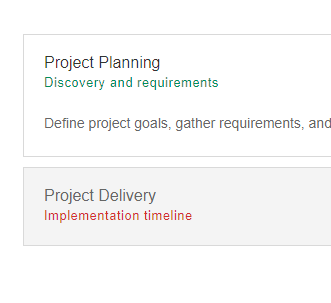
How to Add Subtitles to the Divi Accordion Module (Divi 5)
By default, Divi's Accordion module only lets you display a title and content for each item. If you'd like to add a subtitle beneath each accordion title, this guide shows you exactly how. You'll learn how to add subtitles, style them across the whole module, and...
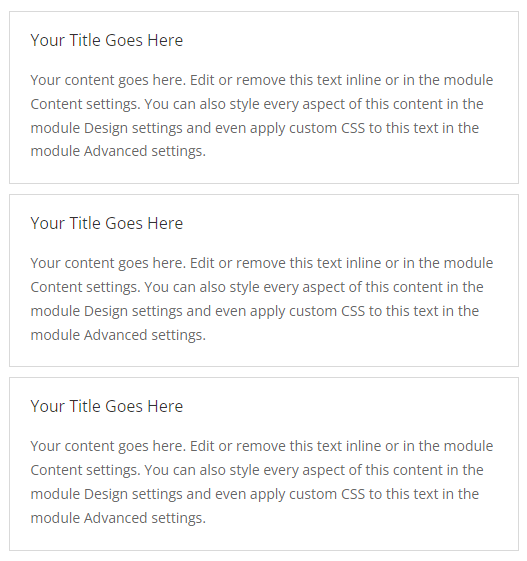
How to Make a Divi Accordion All Open by Default – Divi 5 & Divi 4
By default, the Divi Accordion module opens only the first accordion item when the page loads. If you're using an accordion for product details, onboarding steps, documentation, pricing comparisons, or any content where visitors should see everything immediately, you...
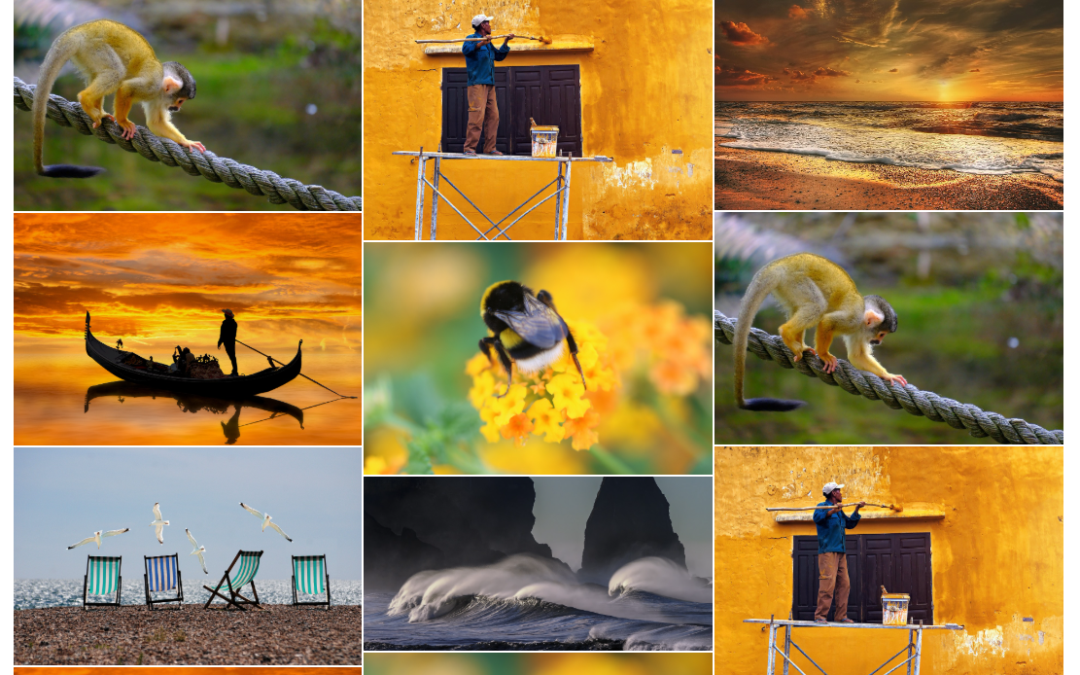
How to Create a Masonry Image Gallery in Divi
Divi’s Gallery module displays images in a regular grid, which can feel restrictive when your photos have different heights or aspect ratios. A masonry layout preserves those varied proportions and arranges the images more compactly, reducing unnecessary gaps and...
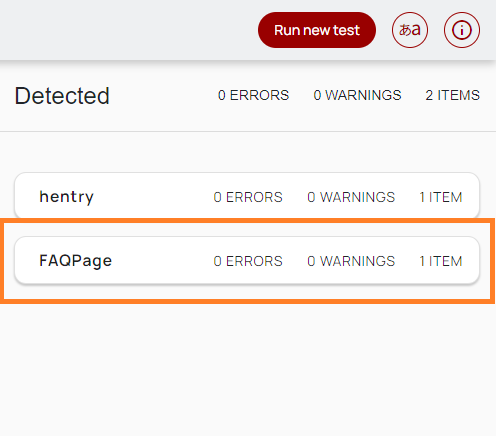
How to Add FAQ Schema to a Divi Accordion Module
Divi’s Accordion module does not include a built-in option for adding FAQPage schema. In this guide, I’ll show you how to add the required JSON-LD markup using a simple, no-code plugin option. The feature is available either as the standalone Divi Accordion FAQ Schema...
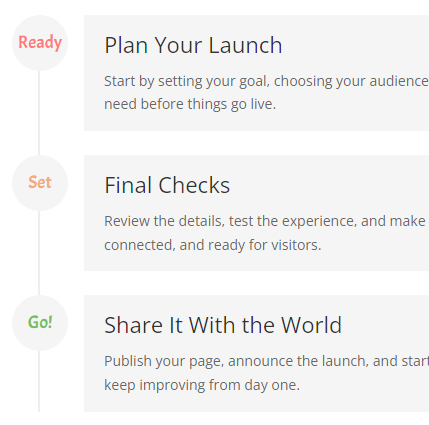
How to Add Custom Text to Divi Timeline Module Markers
Divi’s Timeline module is great for displaying processes, milestones and roadmaps, but the default marker icons aren’t always the clearest way to label each point. Adding short text directly inside the markers can make each timeline item easier to scan, especially for...
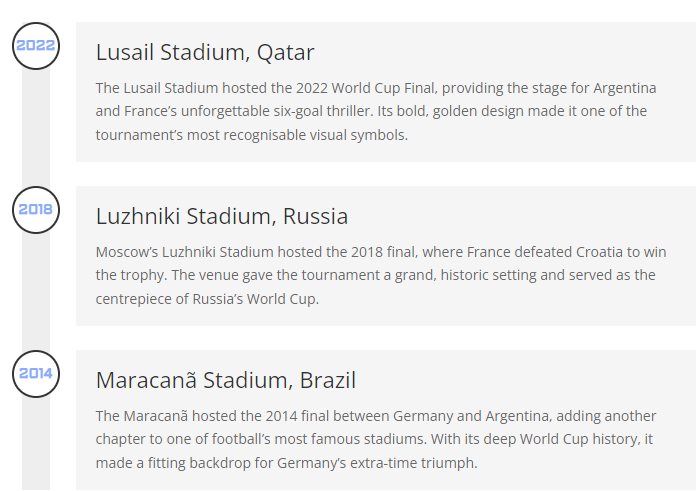
How to Add Numbered Markers to the Divi Timeline Module
Divi’s Timeline module is useful for showing processes, roadmaps and milestones, but the default markers don’t always make the sequence clear at a glance. Adding numbers to the timeline markers helps visitors understand the order of events, especially when the...

How to Fix the Divi Tooltip Module Hiding When Moving Back to the Parent Element
The Divi Tooltip module can sometimes unexpectedly hide the tooltip when the mouse moves from the tooltip back onto the element that triggered it. The tooltip closes even though the user is still hovering the area that should keep it open. In this guide, we’ll add a...