
Show Divi Header Social Icons on Mobiles
Divi includes an option to enable social media icons in the secondary header. However, ever since v2.4, it no longer displays these icons in the secondary header on mobile devices / screen widths, even with the option enabled. If you'd like your mobile users to see...
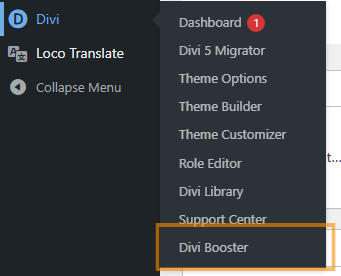
Change Footer Credits in the Divi Theme
Customizing the footer credits in your Divi theme allows you to personalize or brand your website’s footer, such as adding your own name, business, or custom HTML content. This is especially useful for web designers, agencies, or site owners who want to replace the...
Enable Compression for the Divi Theme
As with any site, speed is often an important requirement for those built using Divi. With Google using the speed at which your site loads as a factor in determining how high to rank it in their search results, if you want a good ranking, a fast site is critical....

Hide WooCommerce Icon from Divi Header
When using WooCommerce, a little shopping cart icon will appear in your Divi theme's Header menu (either in the main header or in the secondary navigation bar if you have one).Hide the Cart Icon using Divi Booster Divi Booster includes an option to hide the...
Remove Divi Theme Box Layout Shadow Lines
The Divi Theme comes with several layouts, including a "box" layout which places all your content within a bounding box. This box is distinguished from the background by a shadow effect. If you want to get rid of the shadow effect, you have a couple of options....
Make Left-Placed Divi Blurb Icons Larger
The Divi Theme blurb module allows you to add an icon with text to your page. It contains an options to choose between placing the icon above the text or to the side. However, the default icon size differs significantly between the two options, like so: Making the...
Using PageLoader by Bonfire with Divi
The PageLoader by Bonfire gives you lets you add a nice loading page to your site so that your users aren't shown the content until the page is fully loaded and ready. Unfortunately, if you install PageLoader by Bonfire for use with the Divi Theme, you may notice that...
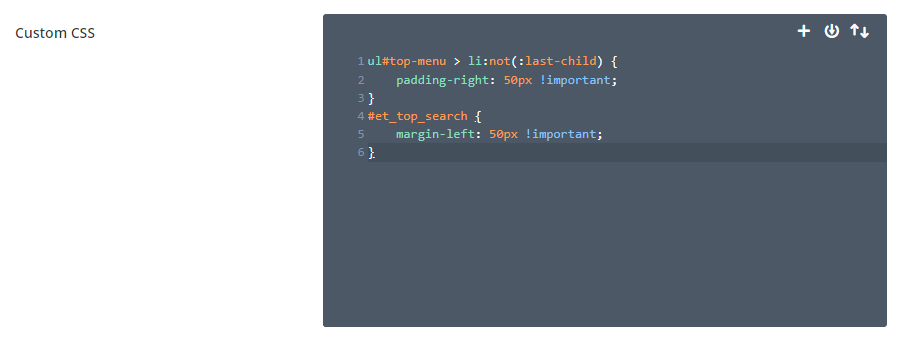
Change the Space Between Divi Menu Items
The standard header in Divi includes a menu for your main site navigation links. Given their prominent position on the page, it's important to ensure they are look good and are easy to read. This tutorial will show you how to adjust the menu item spacing and make this...
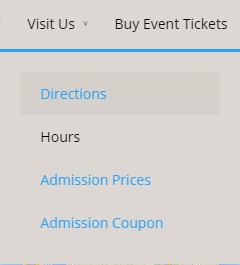
Fix the Menu Link Colors on Divi Single Page Navigation
The Divi theme includes the ability to create single page websites with menu links that link to specific sections in the page. This lets your users easily navigate around a long single-page site. You might notice, however, that the link colors sometimes don't look...
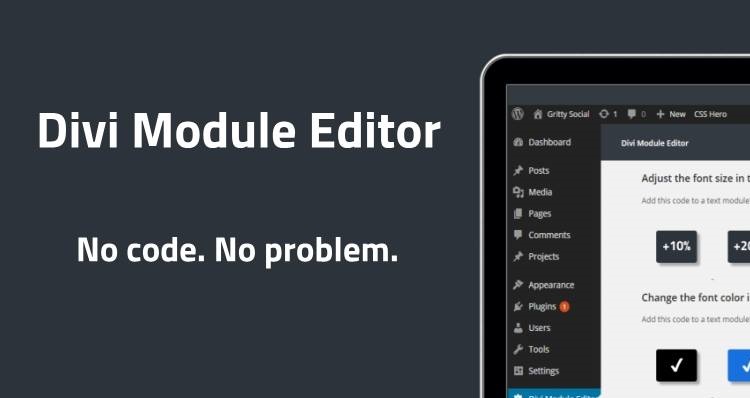
Divi Module Editor Pro
Divi Module Editor is a new customization plugin for the Divi theme, allowing a range of style changes to be made to Divi without the need for knowledge of CSS. It is available as the free-but-limited Divi Module Editor and a full-blown Divi Module Editor Pro. Some of...